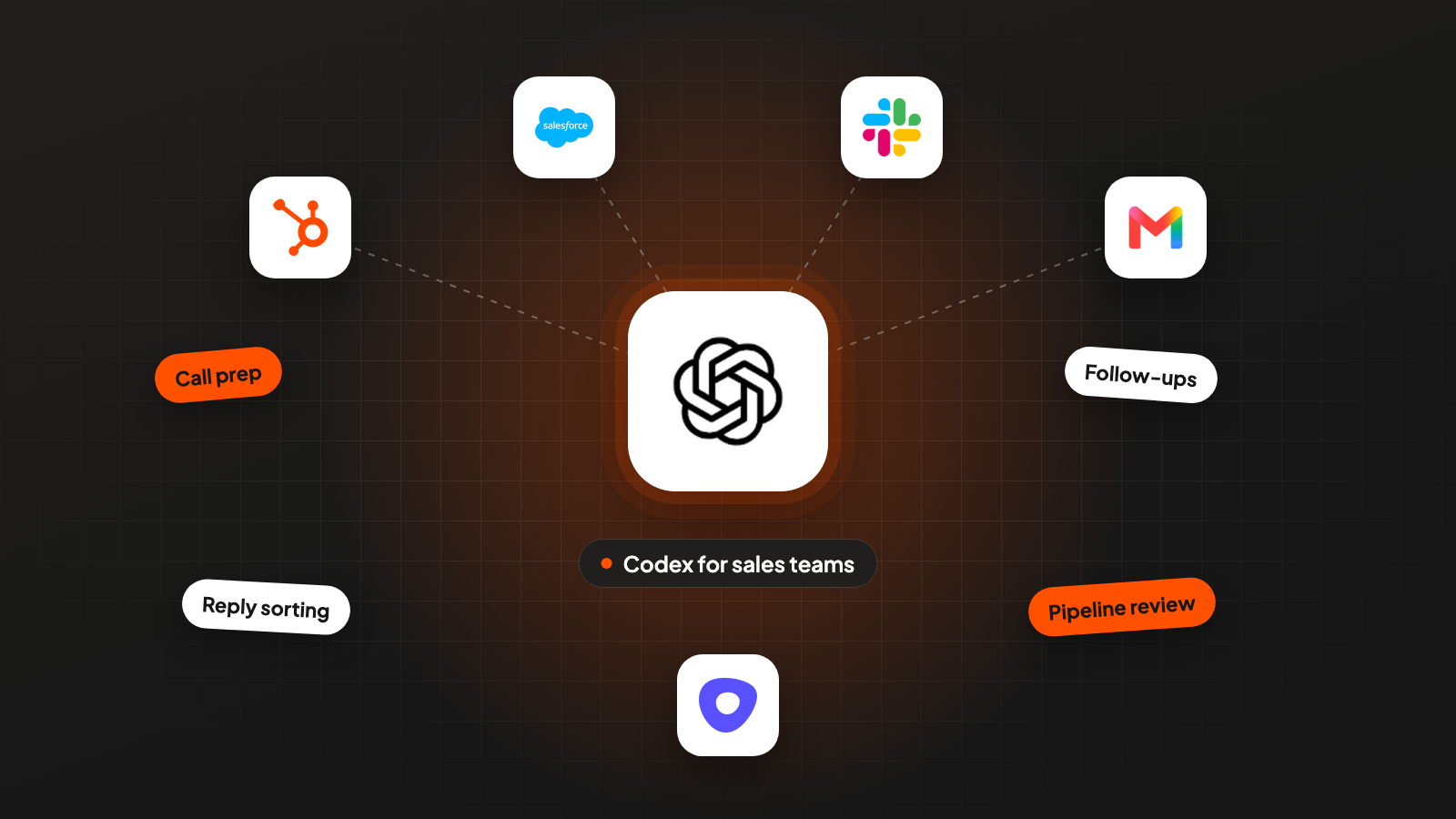
Your team already pays for ChatGPT, someone has Codex open in a terminal, and nobody has decided what it should do for sales. Search for codex for sales teams and most of what you find is OpenAI’s own material, partly about workflows that have since moved to another product. This guide takes the daily sales jobs one at a time: call prep, follow-ups, reply sorting and the weekly pipeline review. For each one you get the Codex feature that carries it and the step that stays with a person.
Codex is OpenAI’s coding agent. It reads files, runs commands and works in the ChatGPT apps, in your code editor and in the terminal, all on one ChatGPT account. OpenAI has moved its sales workflows to a sibling product called ChatGPT Work, so this guide also covers which of the two to use for what.
Key takeaways
- Codex fits the person who builds the sales workflows: the rules file, the skills, the scripts and the batch runs. For reps who want deal context in a chat, OpenAI now points to ChatGPT Work.
- Put your sales rules in AGENTS.md and each repeated job in a skill. The SKILL.md format is the one Claude Code uses too, only the folder is different.
- Run batch jobs with codex exec and an output schema. Every reply label and every proposed CRM change then comes back in the same shape, and a script can check it.
- Codex starts in a read-only sandbox with network access off. Keep that default for anything near the CRM, and leave sending to a person.
What Codex does for a sales team
Codex is an agent that reads files, runs commands and checks its own work, which makes it a tool for repeatable sales jobs. OpenAI’s docs list six places it runs: the ChatGPT desktop, mobile and web apps, the Codex CLI, an extension for code editors and Codex Cloud (Codex docs, 2026).
The CLI runs on your own computer. CLI means command-line interface, a program you use by typing commands in the terminal. OpenAI’s README calls it “a coding agent from OpenAI that runs locally on your computer”. You install it with npm or Homebrew and sign in with your ChatGPT account.
ChatGPT Work is where OpenAI now puts sales work for reps. OpenAI’s Academy page on sales workflows says its recording was made “when these workflows lived in the former Codex app” (OpenAI Academy, 2026). People who used Codex for non-coding work “can stay in Codex or use ChatGPT Work instead”, according to the docs. OpenAI’s Sales plugin for ChatGPT Work brings in context from Salesforce, HubSpot, Slack, Outreach and Clay. The same page adds that “Sellers and managers still own the relationship strategy and judgment”.
In my view the split is simple. Reps who want deal context in a chat window use ChatGPT Work. The person who writes the rules, the skills and the scripts for the team uses Codex. The rest of this guide is for that person.
Codex comes with every ChatGPT plan. OpenAI’s pricing page lists Free, Go, Plus, Pro, Business, Edu and Enterprise. How much you can run depends on the model and the size of each task.
| Sales job | Codex feature | Codex does | You do |
|---|---|---|---|
| Call prep | A skill plus the CRM over MCP | Reads the deal, contacts and notes, writes a brief with sources | Read it, pick your questions |
| Follow-up after a call | codex exec with an output schema | Drafts the email and lists CRM changes in a fixed format | Edit and send, approve changes |
| Reply sorting | codex exec over a file of replies | One label and one draft per reply | Fix labels, send answers |
| Weekly pipeline review | A script plus a scheduled task | Summarizes the deals the script flagged | Decide what happens to each deal |
Give Codex your sales rules in AGENTS.md and skills
AGENTS.md holds the rules every session follows, and a skill holds the steps for one job you repeat. Set up both before the first real task.
Codex reads AGENTS.md files in a fixed order. First a global file in ~/.codex, then one file per folder, from the root of the repository down to the folder you work in. A repository is a project folder tracked with git, a tool that keeps a shared history of files. “Files closer to your current directory override earlier guidance”, and a size limit of 32 KiB applies by default (AGENTS.md docs, 2026). Short files work best.
A sales AGENTS.md needs only a few lines:
# Sales workspace

- Who we sell to: context/icp.md. What we sell: context/offer.md.
- Read the CRM. Never write to it. Propose changes as JSON for review.
- Never send an email, a message or a connection request.
- Every fact in a brief or a draft names its source file or record.
- Leave a field empty when there is no source.
The ICP (ideal customer profile) file describes who you sell to. Both context files are plain text you write once.
Skills live in .agents/skills. A skill is a folder with a file called SKILL.md, and that file “must include name and description” (Codex skills docs, 2026). Codex looks for .agents/skills in every folder from where you work up to the repository root, and in your home folder. You start a skill by typing $ and its name, by picking it from /skills, or Codex uses it on its own when your request matches the description.
Here is a call-prep skill as an example:
---
name: call-prep
description: One-page brief before a sales call. Use when I name a company
  and a meeting time. Reads only. Never writes to the CRM.
---

1. Find the company in the CRM. Pull the open deal, the contacts and every note.
2. Read research/<company>/ if it exists (saved web pages, past emails).
3. Write briefs/<company>-<date>.md with four parts:
   - What they do and who buys from them
   - What we already know, each line with the CRM note it came from
   - Questions still open from earlier calls
   - Three discovery questions tied to context/icp.md
4. Drop any line you can't source.
The same skill file runs in Claude Code, from a different folder. Anthropic’s docs say Claude Code skills “follow the Agent Skills open standard” and live in .claude/skills. Copy the folder or link it, and one skill serves both tools. See also Claude Code for sales and its MCPs. Claude Code can also read an AGENTS.md when a folder has no CLAUDE.md. A team that uses both can keep one set of rules. The full Claude Code setup is in How to Run Your GTM Out of Claude Code.
Write a skill only after you have done the job by hand a few times. Before that, the steps still change every week.
Connect the CRM through MCP with read access only
MCP lets Codex use your CRM’s tools directly, and the first connection should only read. MCP (Model Context Protocol) is an open standard for connecting AI agents to other tools.
Codex keeps MCP settings in config.toml. Your own settings go in ~/.codex/config.toml. A project can have its own .codex/config.toml, which Codex only reads in projects you have marked as trusted. The desktop app, the CLI and the editor extension share this configuration, so you set it up once.
A server either runs on your computer as a command or at the vendor’s address over the internet. For a remote CRM server the entry looks like this, and you sign in once with OAuth (your normal account login instead of a pasted key):
# ~/.codex/config.toml
[mcp_servers.crm]
url = "<your CRM vendor's MCP address>"
codex mcp login crm
codex mcp listA local server is added with one command: codex mcp add <name> -- <command>.
Use the read-only option when the vendor offers one. Proposed changes then come back as a list, you approve them, and a tested script does the write. That keeps the CRM free of changes nobody checked.
In ChatGPT, admins can enforce the limit. For plugins, OpenAI says admins “can limit connected apps to read-only access, enable specific actions, and require approval before ChatGPT reads information or makes changes” (OpenAI plugins, 2026). OpenAI’s plugin directory lists Salesforce, HubSpot and Zoho CRM. Its Salesforce plugin can “review permitted CRM records, understand accounts and deals, summarize pipeline risk, and prepare follow-up”.
Pull large exports into a file with a script. A full deal export goes through the CRM’s API into a file, and Codex reads the file. Network access is off by default, so a script that calls an API from inside the sandbox needs it turned on in config.toml:
[sandbox_workspace_write]
network_access = true
Prep calls and draft follow-ups with codex exec
codex exec runs one job without a chat window, which suits work you start from a calendar or a script. Progress goes to one output and only the final answer to another, so a script can pick up the result cleanly.
The default sandbox already fits call prep. OpenAI’s docs say “By default, codex exec runs in a read-only sandbox” (non-interactive mode docs, 2026). Only the final answer goes to standard output, so you can save the brief straight to a file and nothing else on your computer changes. codex exec expects to run inside a git repository, so keep the sales folder in one.
codex exec '$call-prep Clinic group in Denver, call on Thursday 2pm.' \
  > briefs/denver-clinics.md
The follow-up needs a fixed shape. After the call you want two things from the transcript: an email you will edit, and a list of CRM changes you will only approve. An output schema (a JSON file that describes the fields the answer must have) makes Codex return both in the same structure every time:
{
  "type": "object",
  "properties": {
    "email_draft": { "type": "string" },
    "crm_changes": {
      "type": "array",
      "items": {
        "type": "object",
        "properties": {
          "field": { "type": "string" },
          "current_value": { "type": "string" },
          "new_value": { "type": "string" },
          "quote_from_call": { "type": "string" }
        },
        "required": ["field", "current_value", "new_value", "quote_from_call"],
        "additionalProperties": false
      }
    }
  },
  "required": ["email_draft", "crm_changes"],
  "additionalProperties": false
}
codex exec "Read transcripts/denver-clinics.txt. Draft the follow-up email:
their problem in their words, the next step we agreed on, nothing we didn't discuss.
List CRM changes, each with the sentence from the call that supports it." \
--output-schema ./schemas/follow-up.json -o ./out/denver-follow-up.jsonA fixed shape lets a script check the answer before you do. The script can drop any change without a quote and compare each current value with the CRM. You read what is left, approve it, and the script writes it.
To change the draft, continue the same session with codex exec resume --last and a short instruction, like “Shorter, and move the pricing question to the end.”
Sort replies into your own labels with an output schema
Reply sorting works well as a batch job, because the labels are yours and the format never changes. Export the replies from your sending tool into a file and let one run label all of them.
The schema holds the labels as a fixed list, so Codex can’t invent a new one:
{
  "type": "object",
  "properties": {
    "replies": {
      "type": "array",
      "items": {
        "type": "object",
        "properties": {
          "sender": { "type": "string" },
          "label": { "enum": ["interested", "not_now", "wrong_person", "objection", "unsubscribe", "out_of_office"] },
          "deciding_sentence": { "type": "string" },
          "draft": { "type": "string" }
        },
        "required": ["sender", "label", "deciding_sentence", "draft"],
        "additionalProperties": false
      }
    }
  },
  "required": ["replies"],
  "additionalProperties": false
}
The deciding sentence is your check. It shows which line in the reply led to the label. You scan the table, fix the few wrong labels and send the drafts from your own inbox. When the same mistake shows up twice, add a line to the skill.
Treat the unsubscribe label as a reminder only. Read every reply that asks for removal yourself and take the address out of the sending tool the same day.
Run the weekly pipeline review on a schedule
The pipeline review has a part with one right answer and a part that needs judgment. A script does the first, Codex the second, and you decide.
Which deals have gone quiet is a counting question. A rule like “no activity in two weeks and the close date is this month” has exactly one answer per deal. Let Codex write that script once, test it on deals you know, and run the same script every week. A model that reads every deal and guesses which ones look stalled can give a different answer next Monday.
The agent shouldn’t decide things that have a right answer.
 Jan BerningFounder, Pipecadence
Scoring follows the same rule, and the lead scoring guide shows how to write one.
Say the script flags seven deals this week. codex exec then reads the notes and emails for those seven only and writes one short paragraph each: what happened last, what blocks the deal, one suggested next step.
There are three ways to run it every Monday. They differ in where the job runs and what it can reach.
| Option | Where it runs | What to watch |
|---|---|---|
| Scheduled task in the ChatGPT app | In the ChatGPT app | Local files need the computer on and the app running. The CLI has no scheduling screen. |
| Your own scheduler calling codex exec | Your server or a CI system that runs scripts automatically | Signs in with an API key, billed at API prices, without cloud features like Slack |
| Codex Cloud | OpenAI’s cloud, one workspace per task, keeps working while your computer is asleep | Network access and credentials are set per environment |
Scheduled tasks can also start from events. On eligible plans, a task can run when a supported Gmail, Slack or GitHub event occurs. OpenAI’s docs add that “Scheduled tasks run unattended and use your default sandbox settings”, which is one more reason to keep that default strict.
Set the limits, and know where Codex differs from Claude Code
Codex starts out cautious, and the work is keeping it that way once the whole team uses it. Three settings decide what Codex may do.
The sandbox decides what Codex can touch. Read-only lets it read. Workspace-write is the base of the Auto preset, where “Codex can read files, make edits, and run commands in the working directory automatically” (Codex approvals and security, 2026). Danger-full-access removes the limit. For sales folders with CRM exports, read-only or workspace-write is enough.
Approvals decide when Codex asks first. The options are on-request, never and granular. The older untrusted setting is no longer supported. The –yolo flag turns approvals and the sandbox off, and OpenAI calls it “not recommended”.
Network access is off unless you turn it on. That covers scripts inside the sandbox. Turn it on per project, only where a script really calls an API.
Check the plan your data runs on. For ChatGPT Business, Enterprise and Edu, OpenAI says it doesn’t use data from connected apps to train models by default. If CRM records and call notes pass through ChatGPT plugins, I’d start on one of those plans.
Where both vendors document the same feature, the differences are small and mostly about files and defaults:
| Codex | Claude Code | |
|---|---|---|
| Rules file | AGENTS.md | CLAUDE.md, or AGENTS.md when there is no CLAUDE.md |
| Skills | SKILL.md in .agents/skills | SKILL.md in .claude/skills |
| MCP setup | codex mcp add, config.toml | claude mcp add, .mcp.json |
| One job without chat | codex exec, –output-schema | claude -p, –json-schema |
| Default protection | Read-only sandbox, network off | Asks before edits, shell commands and network |
| Plans | Free to Enterprise | Paid plans only |
| Scheduling | App and web, not the CLI | Cloud and desktop scheduled tasks, /loop |
These steps stay manual, in my view:
- Sending anything that reaches a prospect: emails, replies, connection requests.
- Writing to the CRM, unless a tested script does it after your OK.
- Removing unsubscribed addresses from the sending tool.
- Choosing the offer and the angle. Codex can draft many, and you pick the one you would defend on a call.
Where this usually goes wrong
- Connecting the CRM with write access on day one. Start read-only and approve every change from a list.
- Taking free-text answers into a script. Use an output schema so every run returns the same fields.
- Letting the model decide which deals have stalled. A counting question belongs in a script that gives the same answer every week.
- Loosening the default sandbox for convenience. Scheduled tasks inherit it and run without anyone watching.
- Using Codex where ChatGPT Work fits better. Reps who only want deal context in a chat don’t need a terminal.
Where to start
Write the AGENTS.md first, then the call-prep skill, and run it before your next three calls. A bad brief costs you nothing, and you see quickly which rules are missing.
Codex for sales teams works when each job has a skill, a fixed output and a person who makes the final call. If you’d like this set up in your own CRM and inbox, book a 30-minute system check.
Pick your next step
Build it yourself
If you have the time to build and maintain it. The guide walks through every step.
Get the free target market map
If you haven't run outbound yet. Your market, its buying signals and who to contact first.
Book a system check
If you want it built in your own tools. 30 minutes on your market, outbound and sales capacity.
FAQ
Is Codex the same as ChatGPT Work?
No. Codex is OpenAI’s coding agent, and ChatGPT Work is OpenAI’s product for handing off non-coding work. OpenAI’s sales workflows moved from the former Codex app to ChatGPT Work, and both come with the ChatGPT plans.
Do I need to know how to code to use Codex for sales?
You describe the job in plain English, and Codex writes and runs the scripts. You should be comfortable with a folder of text files and a few terminal commands. If not, start in the ChatGPT desktop app.
Which ChatGPT plan do I need for Codex?
Codex is included in Free, Go, Plus, Pro, Business, Edu and Enterprise. For CRM data and call notes I’d use Business or Enterprise, because OpenAI doesn’t train on data from connected apps there by default.
Can Codex send emails for me?
Plugins can connect Gmail and Slack, and OpenAI’s Slack plugin can draft replies. I’d keep sending manual. A wrong merge field or a wrong reply reaches a real person and can’t be taken back.
Can I use my Claude Code skills in Codex?
Yes, with a copy or a link. Both use SKILL.md files with a name and a description, and Codex reads them from .agents/skills while Claude Code reads them from .claude/skills.
Should a sales team use Codex or Claude Code?
Either can do the jobs in this guide. Codex comes with every ChatGPT plan and starts in a read-only sandbox. Claude Code needs a paid plan and has its own scheduled tasks in the cloud and on the desktop. Pick the one your team already pays for.
Sources (16)
- Codex docs, OpenAI
- Codex CLI on GitHub, OpenAI
- Custom instructions with AGENTS.md, OpenAI
- Build skills, OpenAI
- Plugins, OpenAI
- MCP in Codex, OpenAI
- Non-interactive mode, OpenAI
- Approvals and security, OpenAI
- Scheduled tasks, OpenAI
- Codex Cloud, OpenAI
- Get started with ChatGPT Work, OpenAI
- Sales workflows with ChatGPT Work, OpenAI Academy
- ChatGPT for sales, OpenAI
- Plugins directory, OpenAI
- Claude Code skills, Anthropic
- Claude Code memory, Anthropic

